Powerful tools designed for real editors. All driven by a single prompt.
01
Raw footage to rough cut
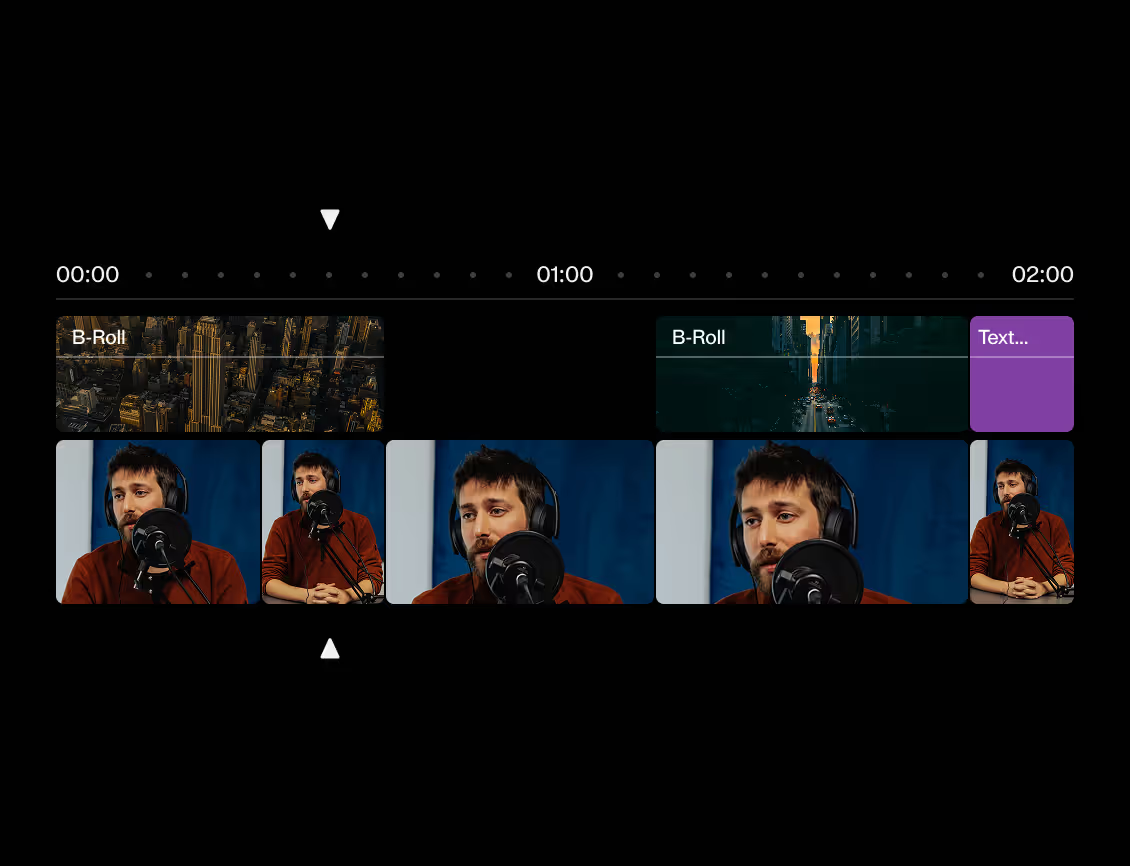
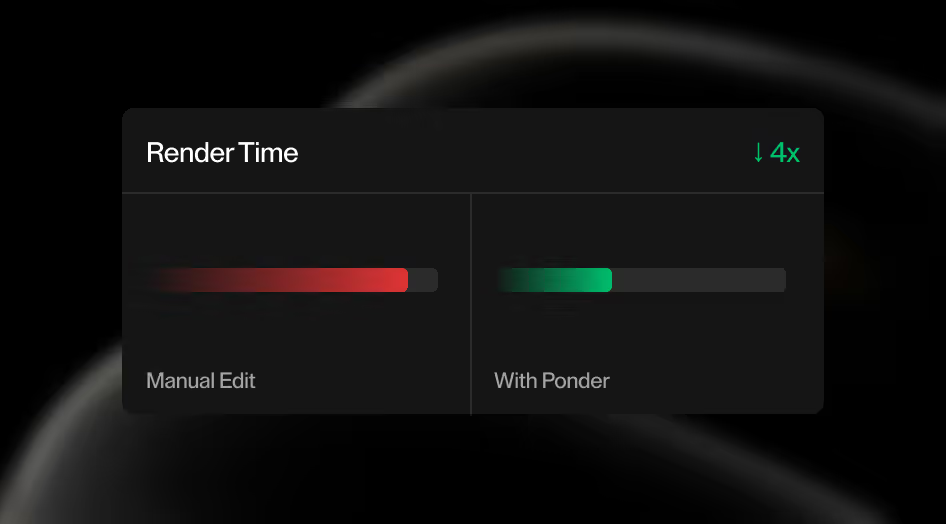
Ponder picks the strongest takes, assembles A-roll, layers in B-roll, holds the pacing, and shapes your footage into a watchable first cut in minutes, not hours.
02
Deep understanding of your footage
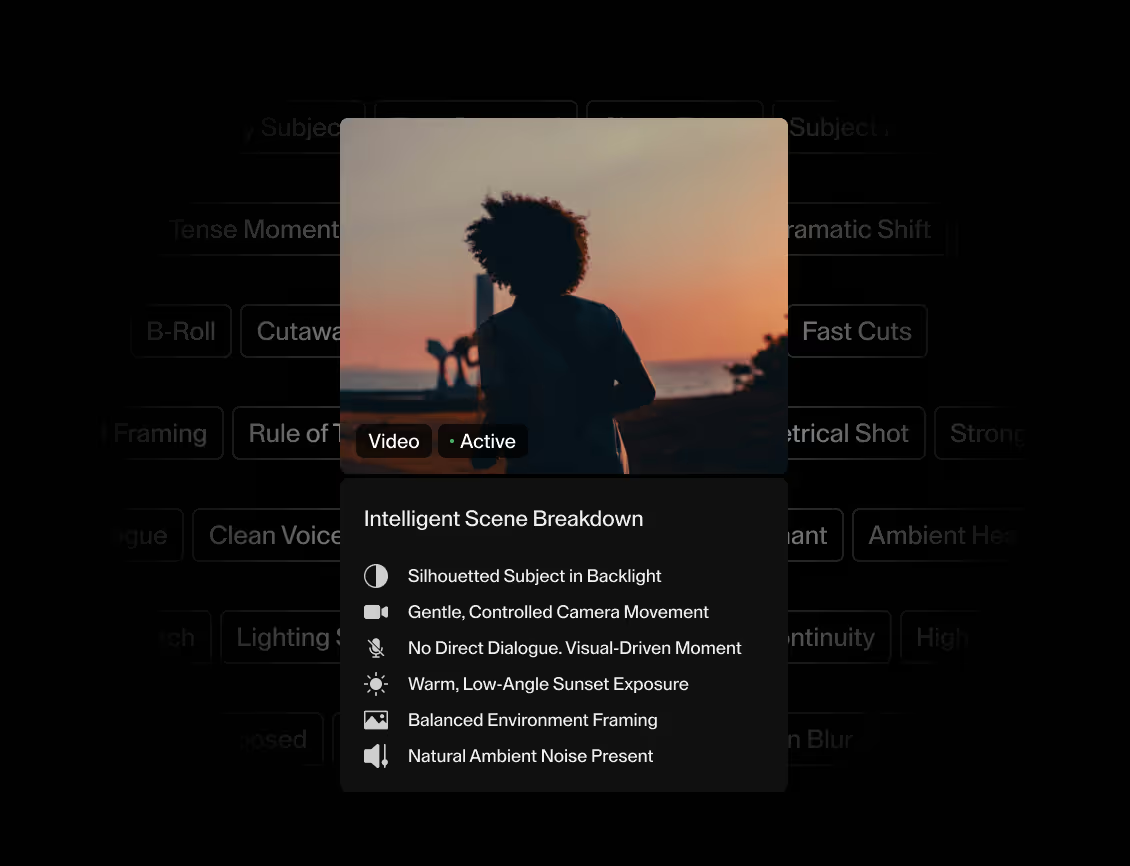
Ponder reads camera motion and composition, subject focus and scene type, pacing and emotional tone, audio clarity and continuity in every clip. It transforms messy footage into structured, searchable metadata you can actually edit with.
03
Edit with natural language
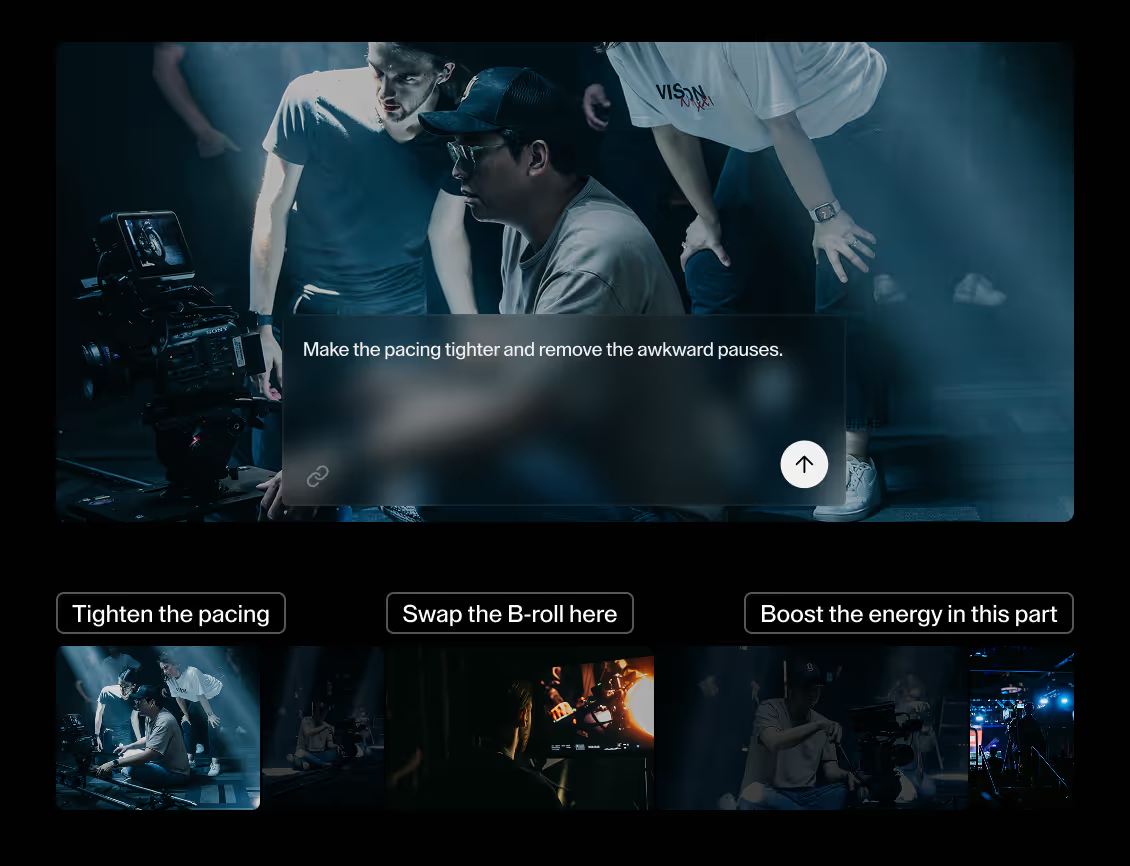
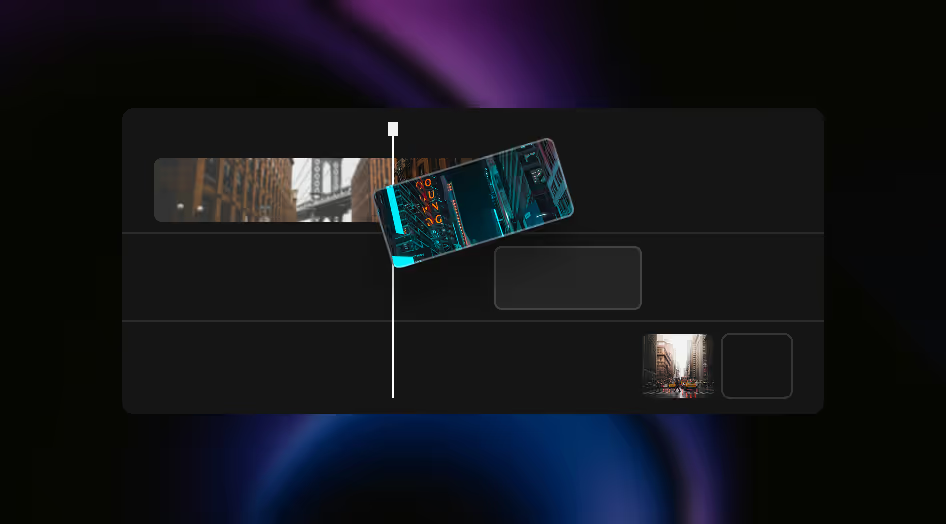
Tell Ponder what you want. Tighten pacing, reorder scenes, punch up energy, shorten pauses, swap B-roll, emphasize emotion, or smooth transitions, and the timeline updates while every cut stays yours.
Trusted by editors who cares about speed and craft
"36 to 48 hours worth of work that I was able to get done in about half a day!"
Simo Motsa
Producer, Editor
"It takes your raw footage and assembles a rough cut so editors can jump in and get to the next stage — taking out a lot of the manual time and putting us in a position to get content to agency even quicker."
Cody D'Ambrosio
Head of Studio, SERHANT.
"This is just crazy just to even have, because even if this is a clip that I'm not gonna use, it'll just inspire other ideas just to have the amount of detail. And it's insane that it has a transcript on everything."
Elliot Choy
Content Creator / Youtuber
"My footage is always real humans with real pauses and quirks. The editing is really finding those human moments, which sometimes don't come in the dialogue. To be able to train a tool to find those is incredible."
Jamie
Producer / Editor
Designed for your specialty
Real Estate
Talking Head
Event
Marketing
Corporate Videos
Wedding
Youtube
Tutorial
Vlog
Documentary
Music Video
Short Form
Commercial
Teaser
And much more...
How Ponder works
Ponder understands your footage, takes your direction, and produces a cut that feels like yours. Four steps from upload to export.
1
Upload your footage
Drop in your footage. Ponder reads every frame the moment it lands.
2
Describe your edit
Tell Ponder the edit you want in plain language. Pacing, mood, what to keep, what to leave out.
3
Get your first cut
Ponder assembles a clean first cut. Strongest moments selected, dead time removed, sequence ready to refine.
4
Export anywhere
Export in any format. Hand off to Premiere, DaVinci, or Final Cut, or deliver straight to your client.
Ponder takes the technical grind. Syncing, organizing, rough cutting, all handled. The hours you used to lose to prep go back into the cut itself.
Thinks like an editor
Story, pacing, tone. Ponder reads what makes a sequence work, not just what's on the timeline. Describe the cut you want and you get back something intentional, not auto-generated.
Fits your workflow
No new tools to learn, no locked ecosystem. Export to Premiere, DaVinci, or Final Cut and finish the cut where you already work.
Ponder analyzes your footage, dialogue, pacing, and structure to understand the intent behind your cut. It detects beats, context, narrative flow and suggests edits that align with your creative direction — not overwrite it.
What formats can I upload?
We support all major formats used in film, YouTube, and social workflows: MP4, MOV, ProRes, H.264/H.265 and more. If you can edit it, Ponder can usually process it.
Can I keep my own editing style?
Yes. Ponder adapts to your tone, pacing, transitions, color tendencies, and narrative style. You stay the editor — Ponder simply accelerates your process.
Is my footage private?
Absolutely. Your files are encrypted, stored securely. Only you control your footage and generated edits.
Can I collaborate with my team?
Yes. Share projects, comment on timelines, exchange prompts, and work on edits together in real time or asynchronously.
Does Ponder replace my current editor?
No. Ponder enhances your workflow — it doesn’t replace professional software. You can export edits to Premiere Pro, Final Cut, DaVinci Resolve, or any NLE you prefer.
What if I need help?
You can ask Ponder directly inside the editor — from technical questions to creative suggestions. And our support team is always available if you need a human.
How accurate are the AI edits?
Very. Ponder understands timing, emotion, clarity and storytelling patterns. You can accept, adjust, or regenerate edits instantly.
Can I edit multiple clips at once?
Yes. Upload sets of shots, scenes, or full timelines — Ponder will organize them, suggest structure, and generate edits across all of them simultaneously.
Does Ponder work offline?
Not yet. Ponder requires cloud processing to deliver fast, high-quality results. Offline mode is planned for future releases.
Didn’t find what you needed?
We listen closely. Ask a question, share feedback, or drop a quick hello.
.svg)

.png)